-
Getting Started
-
- How to Install and Activate System Mechanic Ultimate Defense
- How to Install and Activate System Mechanic Professional
- How to Install and Activate System Mechanic
- Install System Mechanic Free
- Upgrade System Mechanic Free to System Mechanic Ultimate Defense
- Install System Mechanic Classic for Windows XP & Vista
- How to Install and Activate DriveScrubber
- How to Install and Activate System Shield
- How to Install and Activate Malware Killer
- How to Install and Activate Privacy Guardian
- How to Install and Activate Search and Recover
- How to Install and Activate iolo Updater
- How To Sign Up for RemoveMe
- How to Install and Activate ioloVPN
-
- How to Check ActiveCare History
- How to Install and Activate System Mechanic
- How to Install and Activate System Mechanic Professional
- How to Install and Activate System Mechanic Ultimate Defense
- How to disable automatic checking for updates in System Mechanic
- Install System Mechanic Classic for Windows XP & Vista
- System Mechanic does not start or hangs on loading
- Product will not update properly or launch after installation
- Disable System Mechanic Background Processes
- My iolo Product Has a Problem Installing or Will Not Start Once Installed
- Cleaning up hazardous and space-wasting junk files
- Error 2: Activation Key Not Recognized when trying to activate
- How to Use System Mechanic's File De-Duplicator
- System Mechanic Minimum Requirements
- How do I send an Error Log report to iolo Support?
- How to send files to Customer Care for troubleshooting purposes
- Show Remaining Articles ( 1 ) Collapse Articles
-
- Uninstall ByePass from Chrome, Edge and Firefox
- How to Install ByePass in System Mechanic Ultimate Defense
- Install ByePass in Microsoft Edge Chromium
- Install and Uninstall ByePass in Firefox
- I forgot my ByePass Master Password
- How to close your ByePass account
- How to close your ByePass account from a mobile device
- What is Login Guardian?
- How to Turn On Autofill for ByePass Android
- How to Turn On Autofill for ByePass iOS
- Enable ByePass for Private Browsing
- ByePass Will Not Let Me Add More Than 5 Accounts
- How Do I Check My ByePass Version?
- Install ByePass on Android
- ByePass password field icon is not visible on website
- How to Backup ByePass Password Data
- Show Remaining Articles ( 1 ) Collapse Articles
-
-
iolo My Account
-
Purchase Questions
- What is the product Whole Home License
- iolo Sales and Refund Policy
- How will my purchase show on my bank statement?
- I purchased System Mechanic or Search and Recover from AOL and have subscription questions
- I purchased System Mechanic from Yahoo and have subscription questions
- Fraudulent Entities Posing as iolo
Welcome and we thank you for your interest in System Mechanic Professional!
- To install the most current version of System Mechanic please click here, or in your browser navigate to https://smpro.iolo.com.
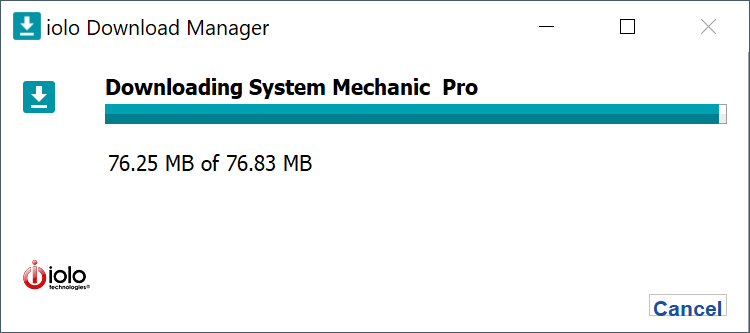
- When the file has finished downloading, please navigate to your Downloads folder and double-click on the SystemMechanicPro_DM.exe file.

- The download manager will begin the download and installation process.
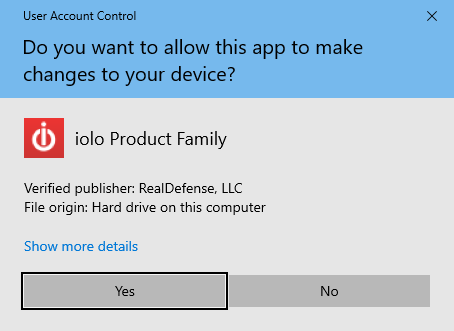
- Click Yes on the User Account Control dialog.
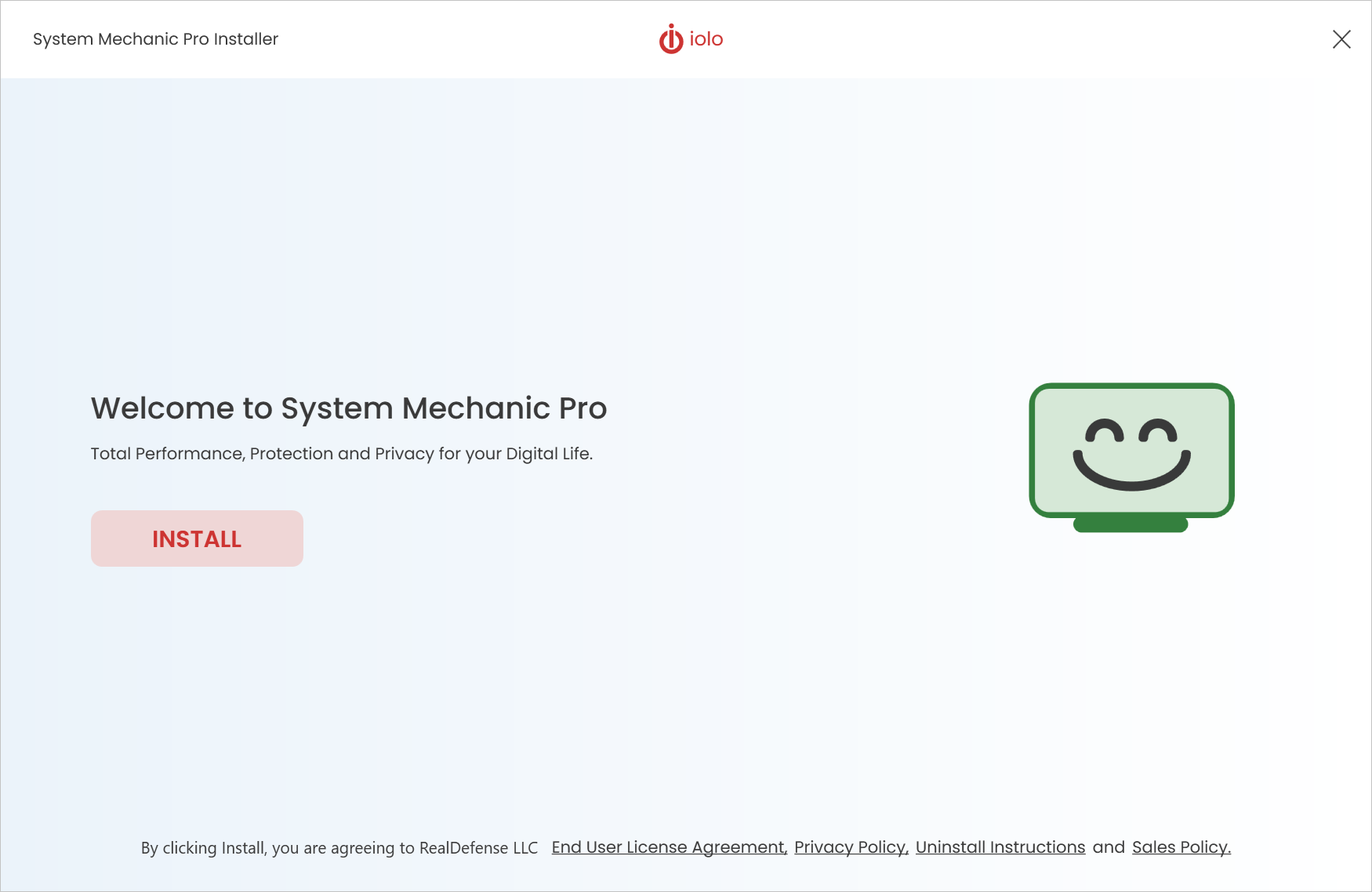
- Click Install in the System Mechanic installer window.
- When the installation has completed, System Mechanic will start. Enter your email address in both fields and click Begin activation.
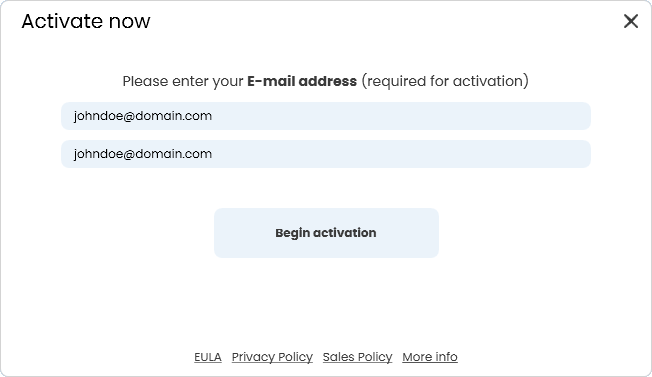
- Please enter your product key in the ‘I have an Activation Key‘ field. Otherwise, select Activate Trial.
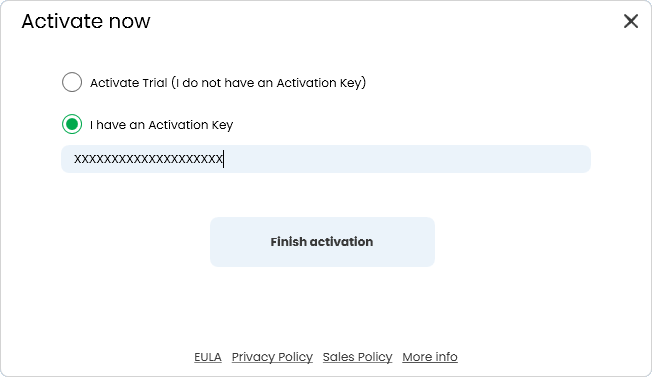
- Click Finish activation to complete the installation process. Congratulations! You have successfully installed your System Mechanic product.
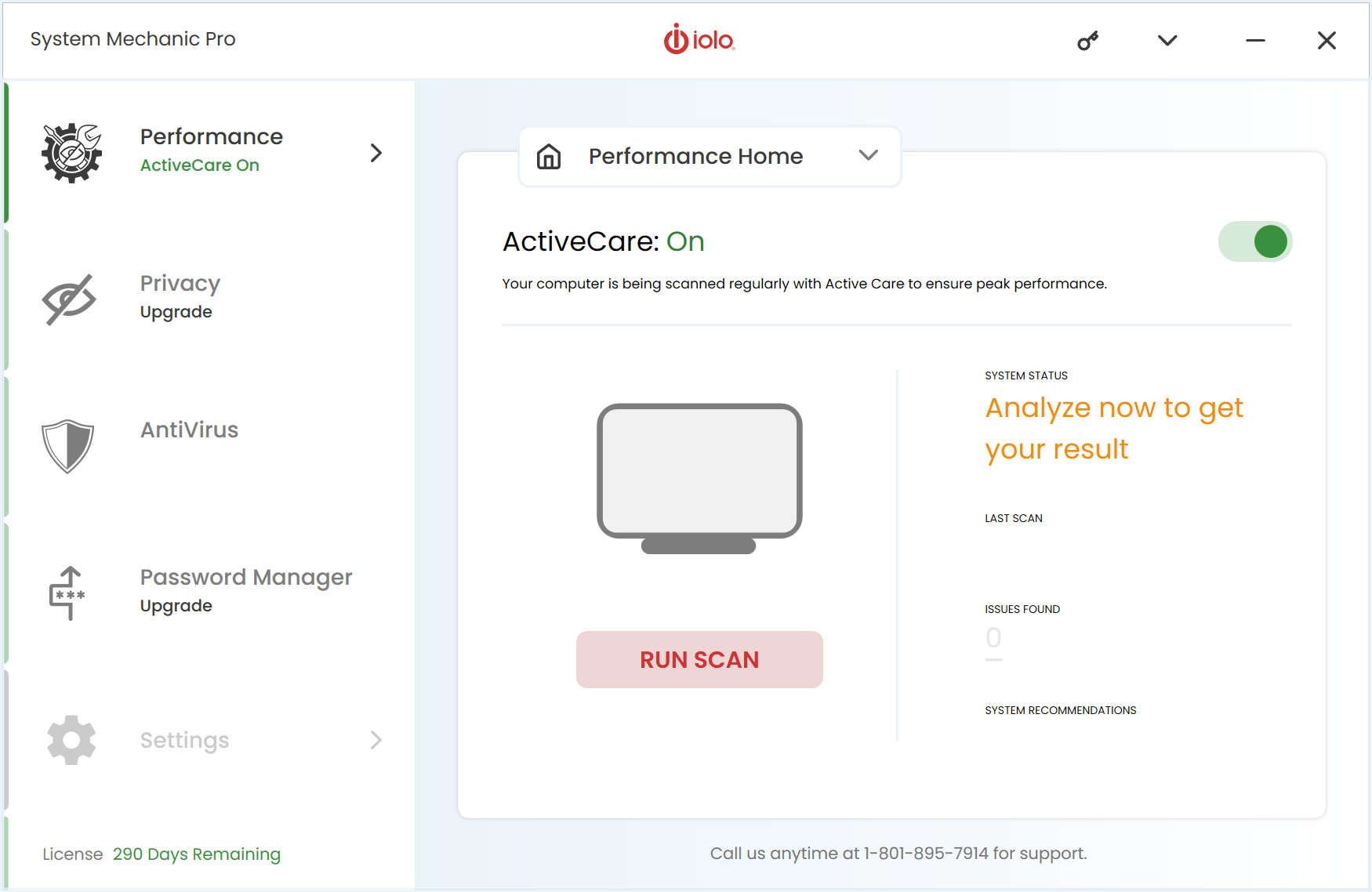
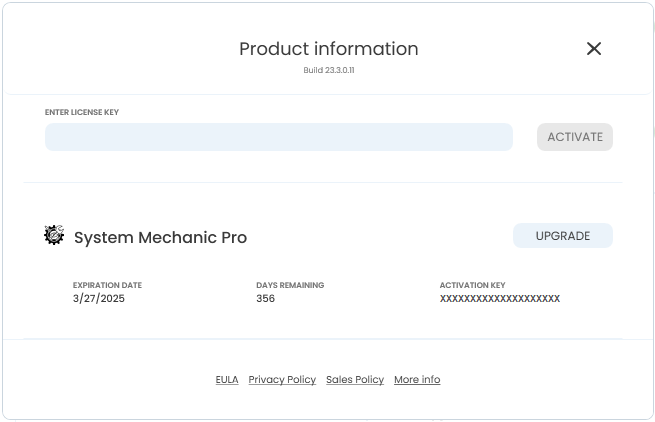
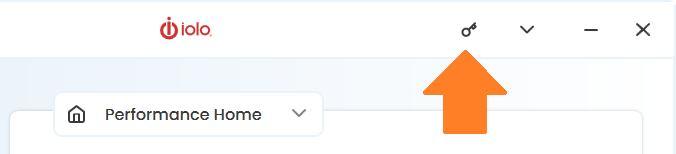
- To review your subscription expiration date, select the (key) icon at the top right of System Mechanic.
- Your product expiration date, activation key, and days remaining will appear under the product you have activated.