Recommended Offer
Attention:
Advanced PC Repair
Over time, hidden system issues can build up and affect how your PC runs. Quick Heal recommends  to keep your computer stable, reliable, and easier to use.
to keep your computer stable, reliable, and easier to use. - Reduce crashes, freezes, and unexpected interruptions
- Repair deeper system issues that affect stability
- Clean up clutter and unwanted files that build up

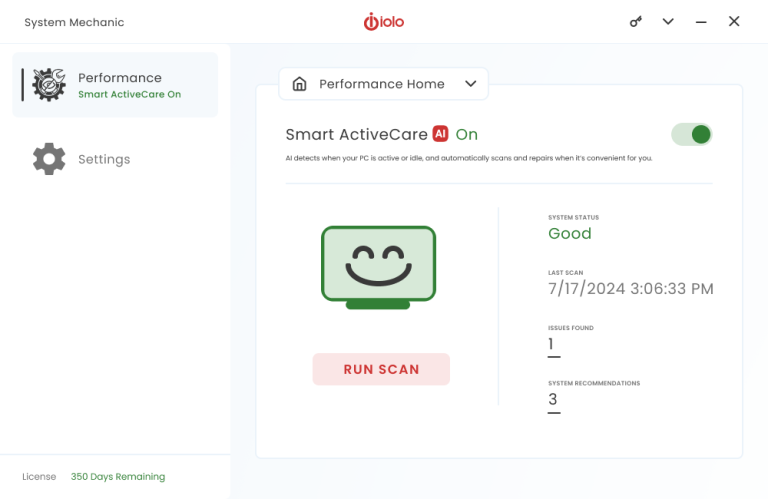
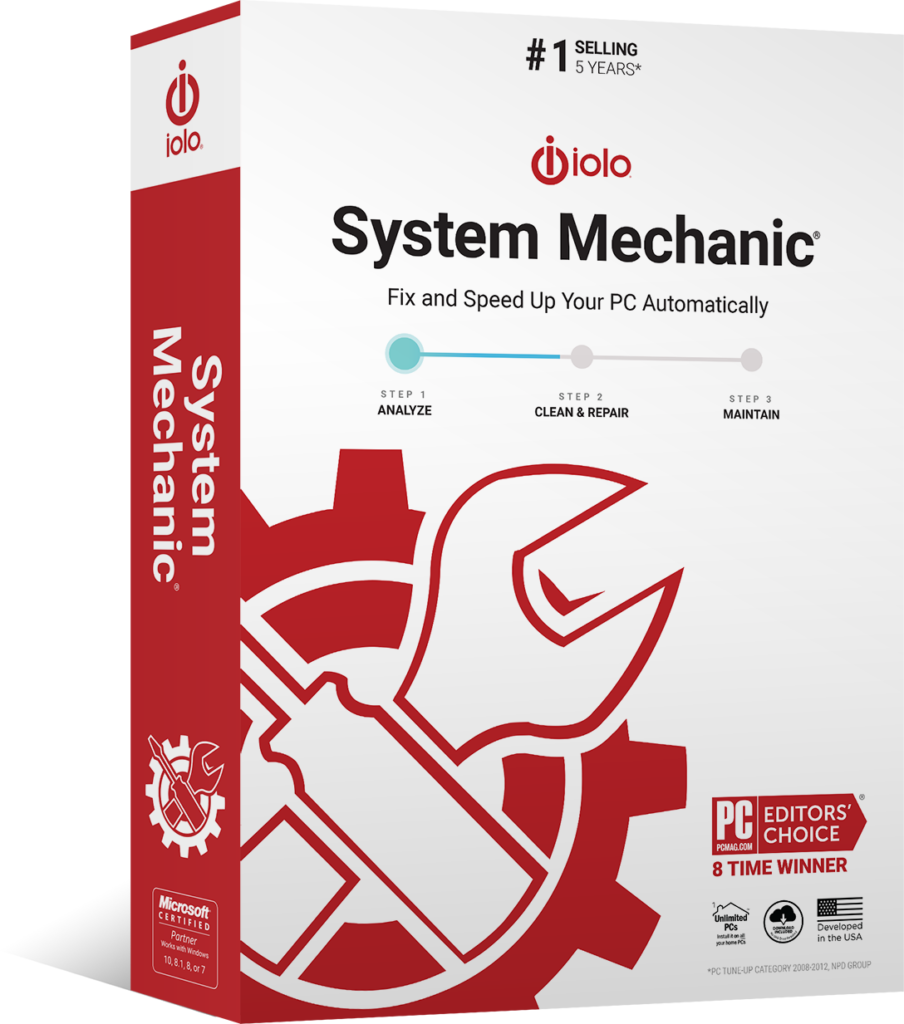

Repair PC performance issues with System Mechanic
- Clean up junk and unnecessary files
- Free up memory for smoother everyday use
- Resolve system issues that affect stability
FAQs
Why do I need advanced PC repair if I already have Quick Heal?
Quick Heal protects your device from digital threats and supports everyday performance. Over time, systems can still develop deeper issues such as hidden errors, background clutter, and system-level inconsistencies. Advanced repair tools help resolve these and keep your PC stable and reliable.
Why should I resolve system issues regularly?
Some system issues build up gradually and may not be visible immediately. Addressing them helps reduce interruptions, improve system stability, and ensures your PC continues to run smoothly over time.
What is System Mechanic? Why does Quick Heal recommend it?
System Mechanic is a Windows PC optimization tool that helps improve speed, stability, and overall performance. It removes junk files, optimizes startup programs, repairs common system issues, and helps keep your computer running smoothly with automated maintenance.
Does this replace Quick Heal?
No. Quick Heal continues to protect your device from threats. This works alongside it to provide an additional layer of system repair and stability.
When should I consider using advanced repair tools?
If you want to maintain long-term system stability, reduce unexpected issues, and keep your PC running reliably, advanced repair tools can help manage deeper system-level problems over time.

Unresolved PC issues can slow down your computer over time
Hidden issues such as system errors, low available memory, and built-up clutter can gradually affect how your PC runs. Addressing them helps improve stability, reduce interruptions, and keeps your computer working more reliably day after day.
Improve your PC’s stability and reliability

Repair System Issues
Find and fix PC performance issues that can affect stability and everyday use.

Clean Up Clutter
Remove junk files and unnecessary build-up that collects over time.

Free Up Memory
Clear up system resources to help your PC run more smoothly.

Reduce Crashes and Freezes
Resolve issues that can lead to interruptions and unstable performance.

Remove Unwanted Programs
Identify and remove software that may slow down or interfere with your PC.

Protect Your Privacy
Help reduce traces of personal activity and improve privacy on your device.

4.1
3013 reviews
Easy to use/understand UI.
SMPro is really worth looking into.
RB
Richard Bubb
Jun 8, 2024
I loved it! been using this software for a long time. never stop to amaze me.
MS
MattDesign Solution
Jun 9, 2024
I Need to Reinstall As it doesn’t load. I have been using it for years. I Love it.
RH
Ronald Hezel
Jun 3, 2024
System Mechanic was my go-to program for keeping my PC clean and error free. I will be returning in the future.
VM
Victor McCosar
May 19, 2024
program kept freezing i uninstalled it now getting to download again so we will see soon
JB
Jerry Baxter
May 17, 2024
Online chat helper Alex seems to know what he’s doing so I’m following his instructions
LS
Lorraine Schroeder
May 13, 2024
Talk about a range of elements, including customer service. Thank you Joe Montano.
ET
Engin Tunc
May 5, 2024
I always loved product but cant run with Mc AFFEe
PW
Pamela Whittenbury
May 28, 2024
I’ve used Iolo for many, many years and have always valued the help System Mechanic can give. Especially in freeing up memory and speeding up the computer.
DW
Derek White
Feb 26, 2024
System Mechanic helped speed up my computer and
downloads.
WKT
Wesley K Teruya
May 19, 2024
System Mechanic helped speed up my computer and
downloads.
AM
Anne Michaels
Apr 5, 2024
Love the program. Have it on all the family computers!
BB
Brian Bristar
May 25, 2024
System Mechanic did a great job keeping my computer clean and running fast. Being in school full-time, just cannot afford the increase in price right now.
PS
Patricia Sullvian
Jan 13, 2024
After many years of being a FAITHFUL USER, I would recommend System Mechanic to any body using Windows. Moreover, MICROSOFT WINDOWS CAN NOT SURVIVE without System Mechanic.
FS
Frank Soto
May 23, 2024
Everyone is easy to do…. but the anti-virus stopped working. It ALWAYS needed to be updated…. even immediately after an update…. and it could not be turned on.
JR
Joe Ruyle
Jan 20, 2024
You’re in Good Hands
Millions of people around the world have already made System Mechanic the tool to fix their PC issues.


4.2
☆☆☆☆☆ 4.2/5

4.5
☆☆☆☆☆ 4.5/5

4.7
☆☆☆☆☆ 4.7/5