You have successfully installed the latest version of System Mechanic® 25.7!
SmartScan Just Got Smarter
Deeper scans. Better clean up. Faster Performance. System Mechanic’s SmartScan just got a major upgrade.
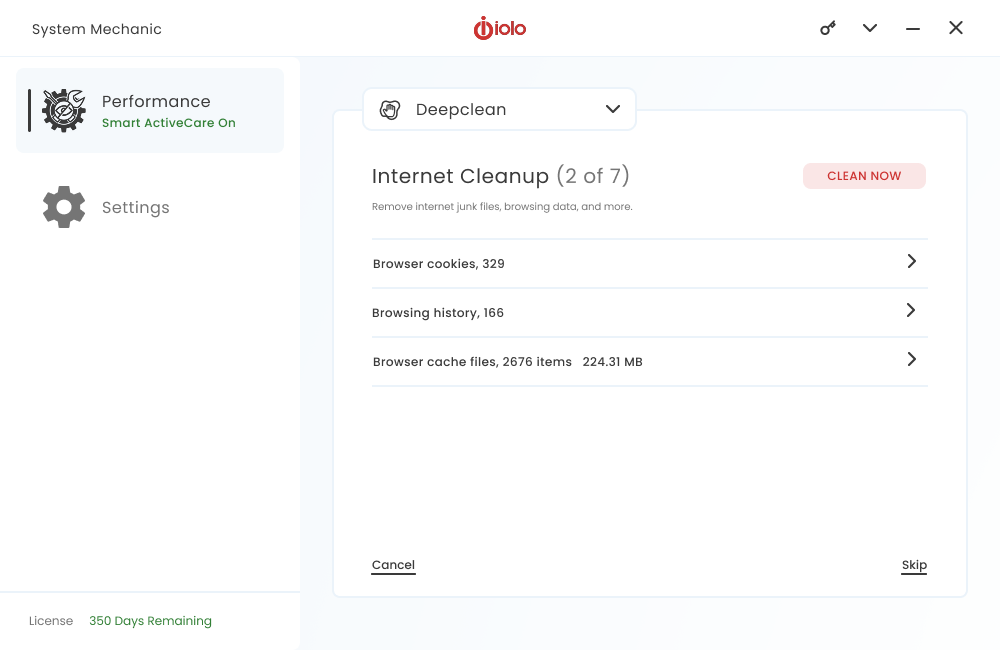
Enhanced Detection – SmartScan now finds hidden clutter across the latest internet browser storage paths.
Deeper Cleanup – Removes more internet junk files to free up valuable space, providing deeper repairs.
Smoother Experience – Clean ups provide faster startup, more responsive apps, and fewer streaming interruptions.
Version Includes:
Smart ActiveCare
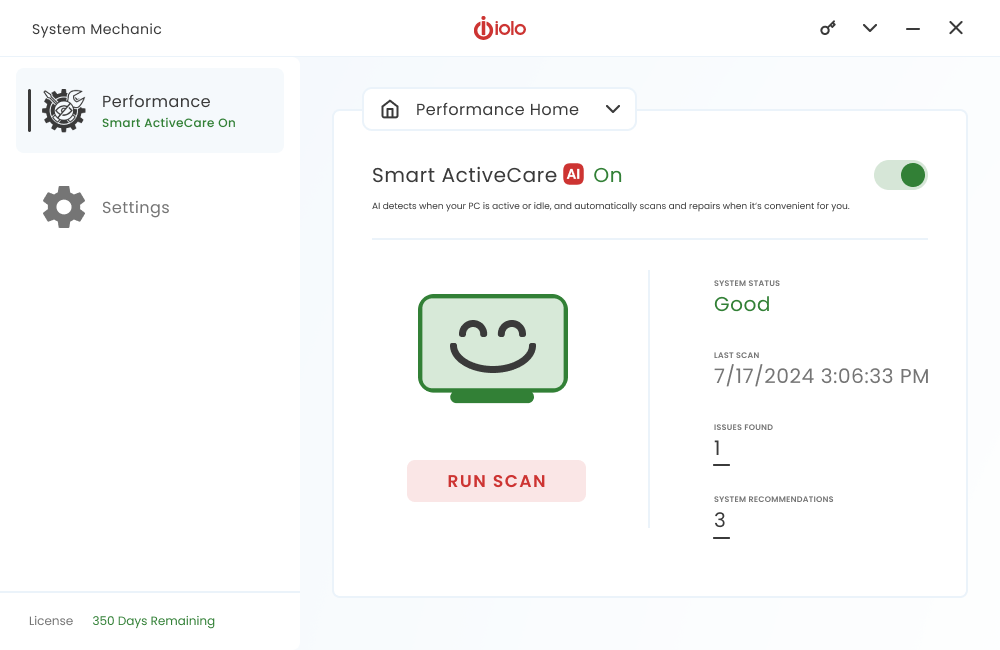
Let Smart ActiveCare boost your PC’s performance – an AI powered tool that intelligently schedules maintenance and repairs at time that work best for you.
Here’s how it works:
Learns Your Usage – Smart ActiveCare’s AI-driven optimization studies your device usage patterns and adapts to how you work.
Runs at the Right Time – Maintenance and repairs happen automatically when your computer is idle.
Delivers Lasting Speed – With clutter cleared and resources optimized, your PC stays fast and responsive day after day.
Version Includes:
ByePass+ Password Manager
Trouble remembering your logins and passwords? With ByePass+, never worry again.
Key Features
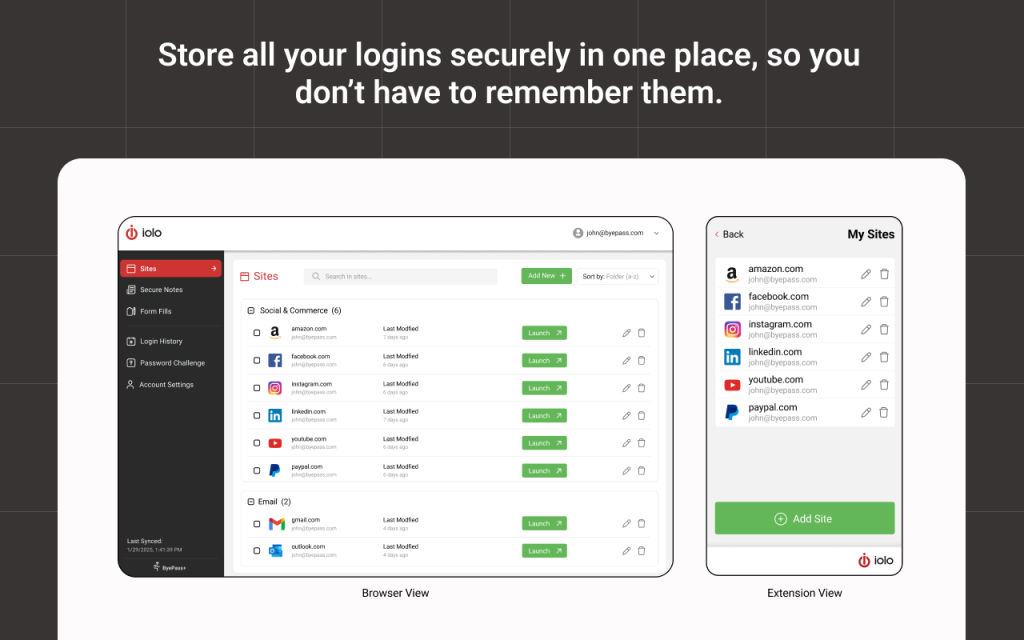
Securely store unlimited logins in one place
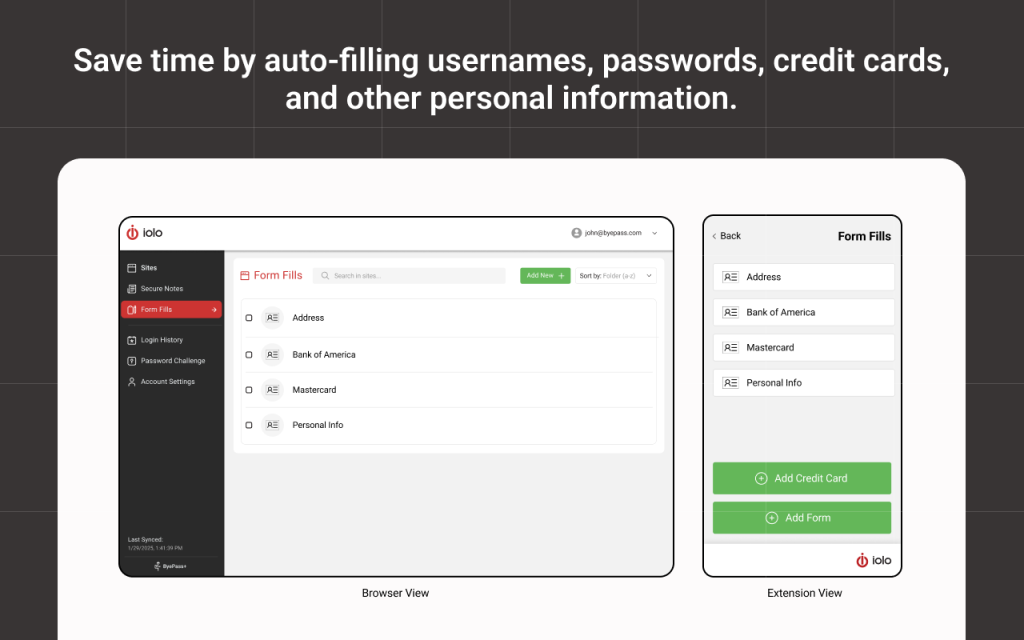
Auto-fill usernames, passwords, credit cards, and personal data
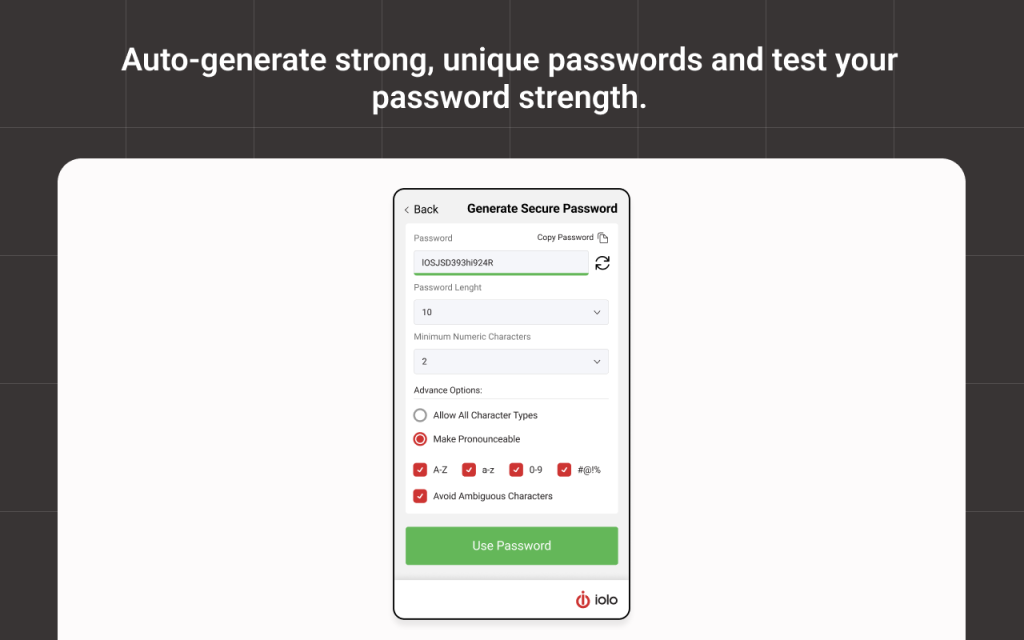
Auto-generate strong passwords and test their strength
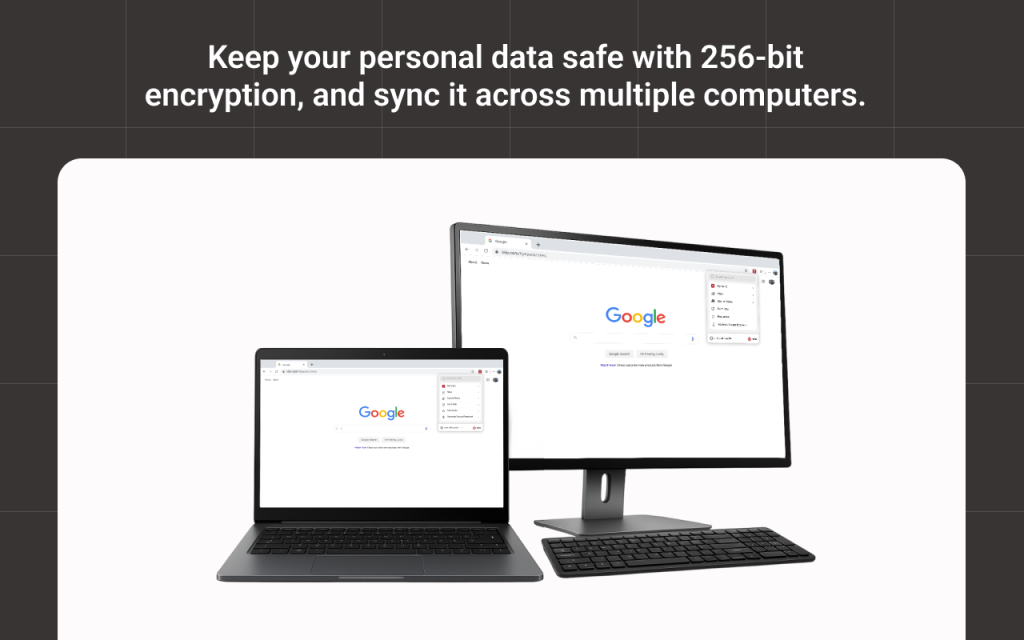
Protect data with 256-bit encryption, and sync across computers
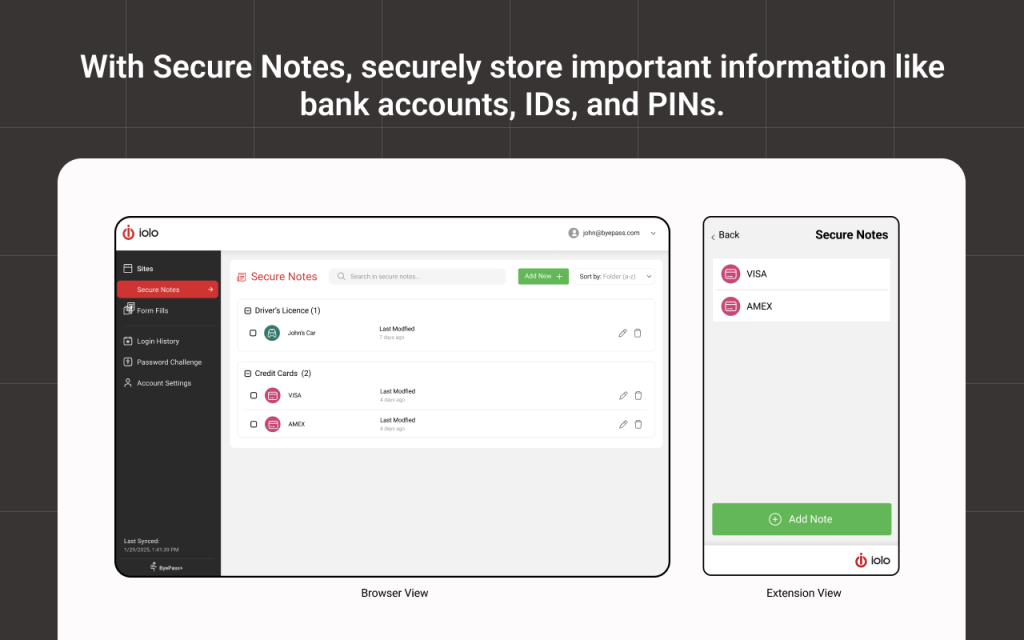
Save sensitive data like bank details and IDs with Secure Notes
Note: ByePass+ is included with System Mechanic Ultimate Defense.
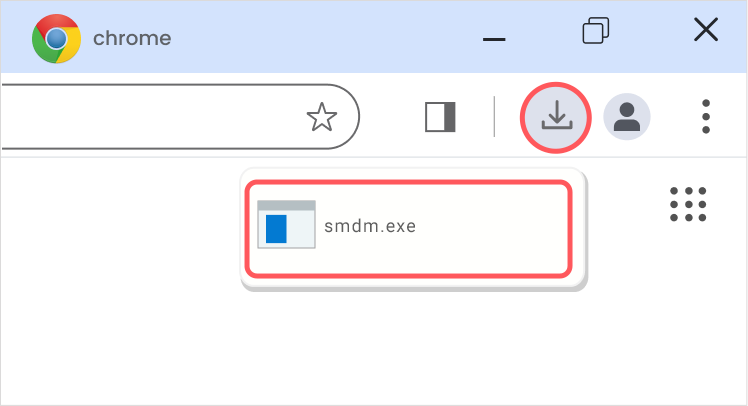
From the browser window on your PC, press Ctrl + J and look for the file named smdm.exe. Then click the file name to open the installer.
Still can’t find it?
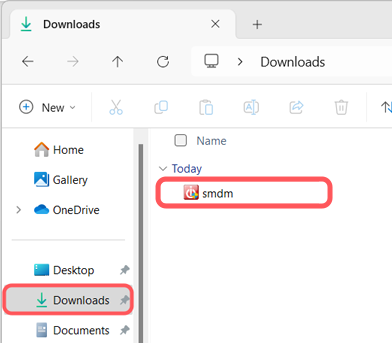
Open File Explorer on your PC and look in your Downloads folder for the smdm.exe file.
BONUS:
includes 15 tools and features
Performance
ActiveCare
Advanced cleaning and repair removes more unsafe clutter and fixes more problems than ever before, going to work whenever your PC is idle.
Internet Cleanup
Delete temporary internet files for better responsiveness
Windows Cleanup
Delete Windows junk files to unleash speed
Memory Mechanic
Free up memory for better performance
NetBooster
Optimize settings to speed up internet connections
Registry Cleanup
Find and repair registry files to improve performance
Security Optimizer
Detect and resolve Windows security issues
Program Accelerator
Detect and resolve Windows security issues
Toolbox
Startup Optimizer
Speed up Windows startup time
Network Scanner
View external devices and connections
File Incinerator
Remove and destroy deleted files
Advanced Uninstaller
Easily remove installed programs
Process Scanner
Find memory-intensive background tasks
Deceptive Programs
Find and remove harmful software
AppPrioritizer
Prioritize speed and efficiency for the apps you use most
What is iolo's Whole Home License?
The Whole Home License® is iolo’s licensing policy that allows you to install and keep your software running on all of your compatible devices within the same home. Previously, users were allowed to install and license their iolo software simultaneously on a maximum of three PCs. Under the Whole Home License, a single activation key allows you to use your iolo software on all of your PCs, other than any PCs you use for business purposes.What you need to know about Whole Home Licensing
You, your spouse, and your relatives living within the same household may use the same license on any number of PCs that you own which are not used for business.